
Arc Raiders Cheats — Aimbot, ESP & Loot Radar for Every Extraction
Arc Raiders Lite: aimbot with prediction and bone targeting, player ESP with health and armor reads, world ESP for crates, drones, and supply stations, radar, battle mode, and config management on Windows 10 and 11.
Arc Raiders
Arc Raiders Cheats
Everything you need.
Aim tools, player ESP, loot reads, and comfort features — each tunable to your playstyle and built to keep the screen as clean or as detailed as you want it.
Aimbot
Tune aim around real Arc Raiders fights with FOV, smoothness, speed, prediction, visibility checks, max distance, target bones, and target lock.
Player ESP
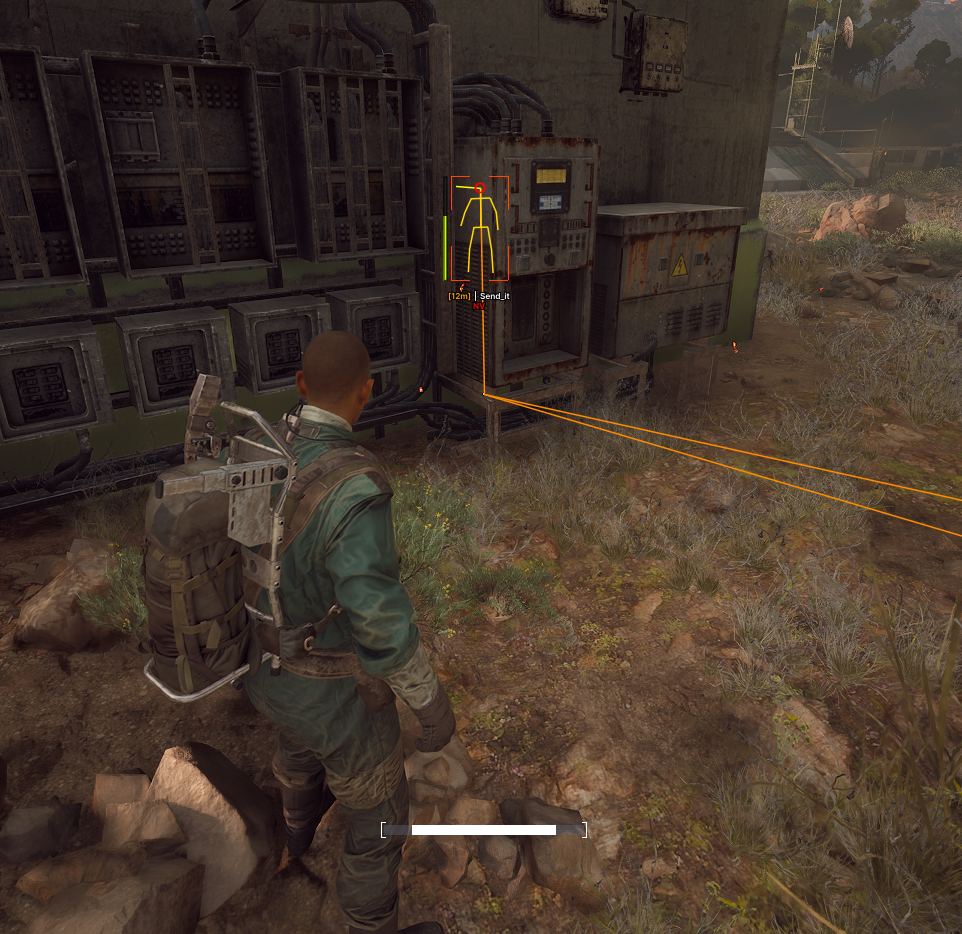
Read players faster with name, box, skeleton, squad, distance, health, armor, visible and invisible color controls, and max-distance settings.
World ESP
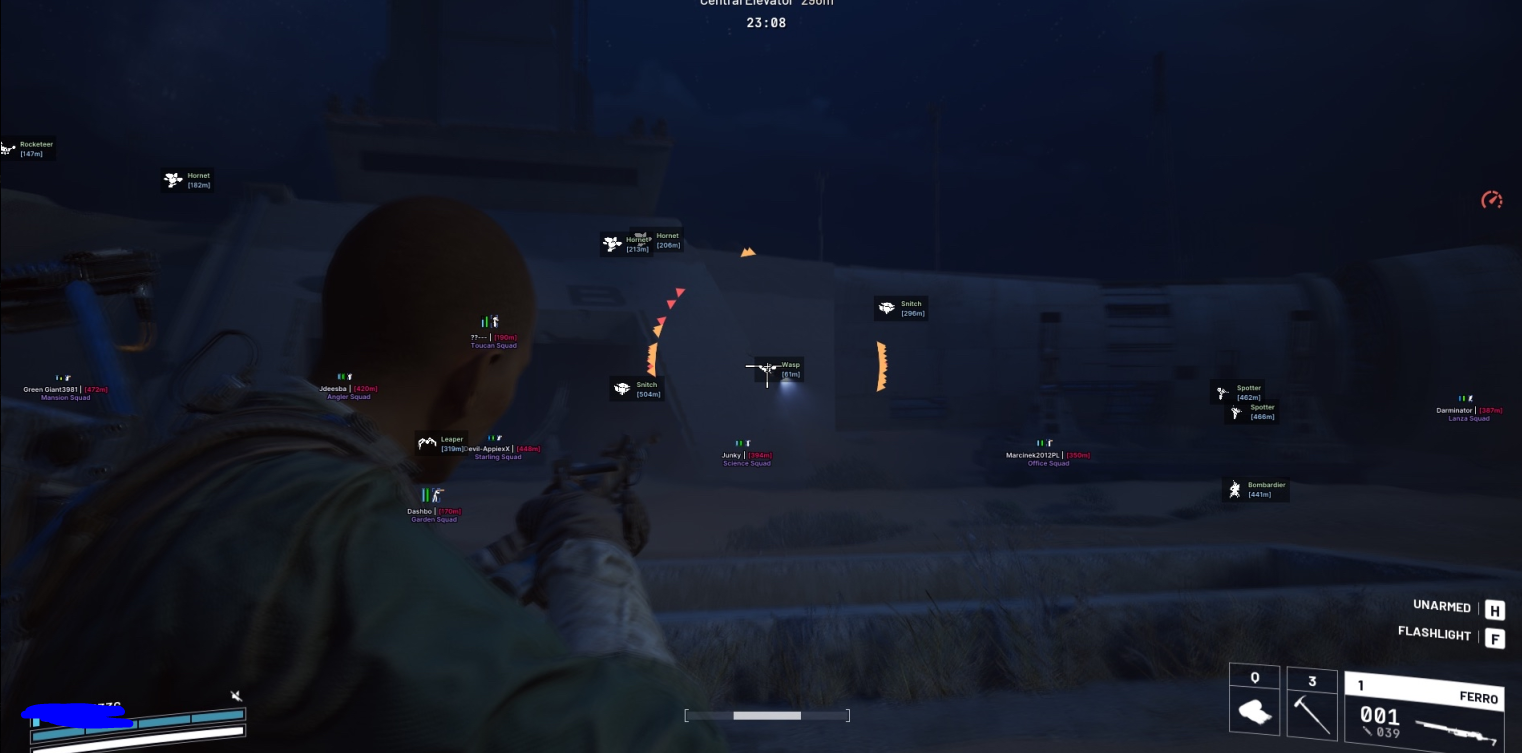
Track crates, drones, dropped items, corpses, salvage, carryables, and supply stations with configurable dots, names, colors, and distance limits.
Radar & Configs
Use radar scaling, arrows, battle mode, add/load/share configs, and battle-mode visibility controls to keep your setup useful without clutter.
Full Play Mechanics
A detailed breakdown of every feature, how it works in real matches, and how to set it up for your playstyle.
Arc Raiders cheats for cleaner raids, faster reads, and better loot decisions every extraction
Arc Raiders cheats from Cheesysproducts cover Arc Raiders Lite — a focused extraction toolkit built around the decisions that actually determine whether a raid succeeds. Aimbot with aim type selection, smoothness, FOV, prediction, target bones, and visibility check. Player ESP with name, box, skeleton, squad, distance, health, armor, and directional arrows. World ESP across crates, drones, supply stations, dropped items, corpses, salvage, and carryables. Radar with configurable scale and distance. Battle mode for switching between loot-phase and fight-phase overlays. Config management with add, load, and share options. Windows 10 and 11, Intel and AMD.
Arc Raiders is built around the extraction loop — drop in, fight ARC machines and other players, collect value, and get out. Every decision in that loop has a cost: committing to the wrong fight costs your kit and your time; missing loot costs progression; staying too long costs your extract window. The players who perform consistently are the ones who make those decisions faster and with better information. Arc Raiders Lite covers the information layer and the aim layer simultaneously — so you go into every extraction knowing more and shooting more accurately than the squads you share the map with.
Aimbot: tunable aim for fights that happen fast and at awkward timing
Arc Raiders fights are rarely clean. You might engage a player while simultaneously dealing with ARC machines, or take fire from a direction you were not watching, or have a target drop behind cover mid-track. Rigid aim assistance that works well in one scenario fails in the others. Arc Raiders Lite's aimbot is built for adjustment rather than a single locked profile.
Aim type, smoothness, and FOV
Aim type selection between mouse-based and memory-based modes lets you choose how the assistance interacts with your input. Mouse mode blends the correction into your physical movement; memory mode applies correction at a lower level. Smoothness controls how gradual the correction feels — high smoothness produces natural-looking micro-adjustments, low smoothness produces faster snappier corrections that can feel unnatural in close-range fights. FOV radius sets the acquisition cone: keep it tight for focused CQB encounters and slightly wider for mid-range fights where the target has more lateral movement. Draw FOV renders the cone on screen so you can verify it is positioned correctly before a fight starts.
Prediction for moving targets
Prediction feeds target velocity into the aim logic so the assist leads a moving player rather than chasing their last position. In Arc Raiders this matters most during engagements where targets are sprinting between cover, repositioning after an ARC threat, or crossing open terrain at range. Prediction dot overlays the predicted impact point on screen, giving you a visual reference for where the assist is aiming relative to the visible target — useful for tuning prediction sensitivity without having to guess from results alone.
Target bones, distance, and visibility check
Target bone selection determines where on the enemy model the aimbot anchors — head for direct finishing pressure, chest for a larger and more forgiving target under movement, or closest bone for a reactive setting that adapts to how the target is positioned. Max aim distance prevents the aimbot from engaging targets at ranges where the assist would produce more harm than help. Visibility check is the most important safety setting: it prevents the aimbot from activating through walls, cover, and ARC structures, which is both tactically sensible and significantly reduces the behavioral signature the aimbot produces in spectator views.
Player ESP: read every squad before you decide to fight or rotate
In an extraction game, the most dangerous thing is not a player you can see — it is a squad you did not know was there. Player ESP removes that category of threat entirely.
Box, skeleton, name, and squad reads
Arc Raiders Lite player ESP covers name, box, skeleton, and squad information, each with separate visible and invisible color channels. Visible color applies when the target has a clear line of sight to your position; invisible color applies when they are behind cover. The visual distinction between visible and invisible targets changes fight decisions: a visible player is an immediate threat requiring a response, while an invisible player behind a wall is a positioning read you can use to route around or prepare for. Squad tags tell you whether the target is solo or part of a team — a solo player who just cleared a supply station is a different risk calculation than a full squad rotating toward your position from the same direction.
Health, armor, and fight commitment
Health and armor overlay gives you the data needed to decide whether a fight is worth committing to before you start it. A squad at low health after an ARC encounter is an opportunity; a full-health three-stack holding a supply station is a different call entirely. In extraction games where dying means losing your kit and your progress, fight selection is more important than fight execution — and fight selection requires the health and armor read that player ESP provides.
Arrows and max distance filtering
Directional arrows indicate players outside your current field of view, giving you an off-screen threat warning without requiring you to spin through every angle while exposed. Arrows range slider controls how far out the arrows trigger — set tight during active fights where distant players are not actionable, set wider during movement phases where early warning of an approaching squad gives you time to reposition before contact. Max distance slider on the full ESP layer keeps the overlay focused on operationally relevant range rather than surfacing every player on the entire map simultaneously.
World ESP: route toward value and avoid wasted movement
Extraction game efficiency is measured in value acquired per minute of risk exposure. World ESP makes every minute more efficient by showing you what is worth moving toward and what is not — before you commit the time and exposure to find out manually.
Crates, dropped items, and corpse tracking
Crate ESP shows container locations across the raid zone with name, distance, and color indicators. Dropped items and corpse tracking are the post-fight layer — after a squad engagement, value gets scattered and knowing where dropped weapons and player corpses are lets you recover that value without spending time searching manually. Each world category includes enable, draw dot, draw name, draw distance, color selection, and a max distance slider so you can configure which items appear and at what range they become visible.
Drones, salvage, supply stations, and carryables
Drone ESP is relevant for tracking ARC presence and understanding where active machine threats are operating relative to your planned route — moving through a zone with active drones without knowing their positions is one of the most common sources of unexpected damage in Arc Raiders. Supply stations are high-value targets that often attract other players, so knowing their locations before you move toward one lets you check player ESP first and decide whether the approach is safe. Salvage and carryable tracking covers the objects that feed extraction objectives — knowing where they are without scanning every room saves time during loot phases.
Battle mode and distance limits
Each world ESP category includes a show in battle mode toggle that controls whether that category remains visible during active fights. When battle mode is active, you can suppress world ESP categories that are not relevant to the immediate engagement — keeping loot markers off-screen while player information stays visible. Max distance sliders per category mean you can run close-range supply station and crate awareness while suppressing far-field object clutter. The result is an overlay that shows more information when you are routing and a cleaner screen when you are fighting.
Radar, battle mode, and config management
Radar provides a passive positional read on nearby players that operates independently of where your camera is pointed. Radar scale slider controls the visible size of the radar display; max show distance controls the range at which players appear as radar contacts. In Arc Raiders, radar is most useful during movement phases between objectives — it gives you a continuous read on whether another squad is converging on your position from outside your camera angle, which is the situation arrows and player ESP alone cannot always catch in time.
Battle mode key lets you toggle the full battle mode state on a hotkey rather than navigating menus mid-raid. This is the feature that makes the product practical across a full extraction session: more information while routing, a controlled screen during fights, and a fast switch between those states without interrupting play. Config management with add, load, and share options lets you maintain separate setups for different playstyles — a cautious loot-focused config with tight distance limits and full world ESP, and an aggressive fight-focused config with player-centric overlays and battle mode defaulting active.
Setup guide by raid approach
- Cautious solo: player ESP with box, distance, health, and arrows at moderate range. World ESP for crates, supply stations, and dropped items with tight distance limits. Aimbot at conservative FOV and high smoothness. Battle mode to hide world ESP when a fight starts. Radar for passive squad tracking during movement.
- Aggressive duo or squad: squad ESP prioritized, arrows range widened for flanking awareness, radar visible at larger scale for collapse reads. Aimbot with prediction enabled for moving targets. Battle mode defaults active so the screen stays clean during multi-target fights.
- Loot-focused extraction: world ESP across all categories with per-category distance filtering — high range for crates and supply stations, shorter range for salvage and carryables to avoid clutter. Player ESP health and armor reads to decide whether a nearby squad is worth engaging or avoiding. Config saved separately from combat-focused setups.
- All approaches: start with visibility check enabled on aimbot and keep it on. Set max aim distance to match the realistic engagement range of your kit. Do not run world ESP at full range during fights — toggle battle mode or set distance limits that keep loot markers from competing with player information when a squad is on top of you.
Browse the full Arc Raiders cheats category, go directly to Arc Raiders Lite, or visit the Cheesysproducts homepage. For game background, see Arc Raiders on Wikipedia or the official Arc Raiders site.
What players are saying.
Verified purchases across every title in the store. No curated highlights — just what customers left on the product pages.
Switched to their DMA setup last month and haven't looked back. The 1 PC to 2 PC transition was completely seamless thanks to the support team. 100% undetected since day one.
Ai aim assist 10/10 works, support guy was very helpful
V9 Ai aim on ps5 wtf lock very good
I tried to buy from many stores before, and the only store you can trust is Cheesy's Products 👑
Honestly the cleanest ESP I've seen in a while. Doesn't clutter the screen during stacked endgames.
Had some trouble getting my custom firmware flashed initially, but the admin jumped in a discord call and walked me right through it in 10 minutes. W service.
Cheesy on top as usual 🤩
Best product I've used for ranked. Settings are dialled in and it runs clean with no drops.
اشكر متعاون جداً وكان معي لين قدرت اركب الهاك
Undetected for 3 months straight, never had a single issue. Support replies fast too.
والله حلو ١٠/١٠ اخذت UAV
Great seller who cares about his customers and the quality of the products.
The edge you've been looking for.
Instant key delivery, Discord support, and software that runs clean. Join 886 players who already made the switch.